Catchy:Getting Started
Getting started
Finding and favouriting stops
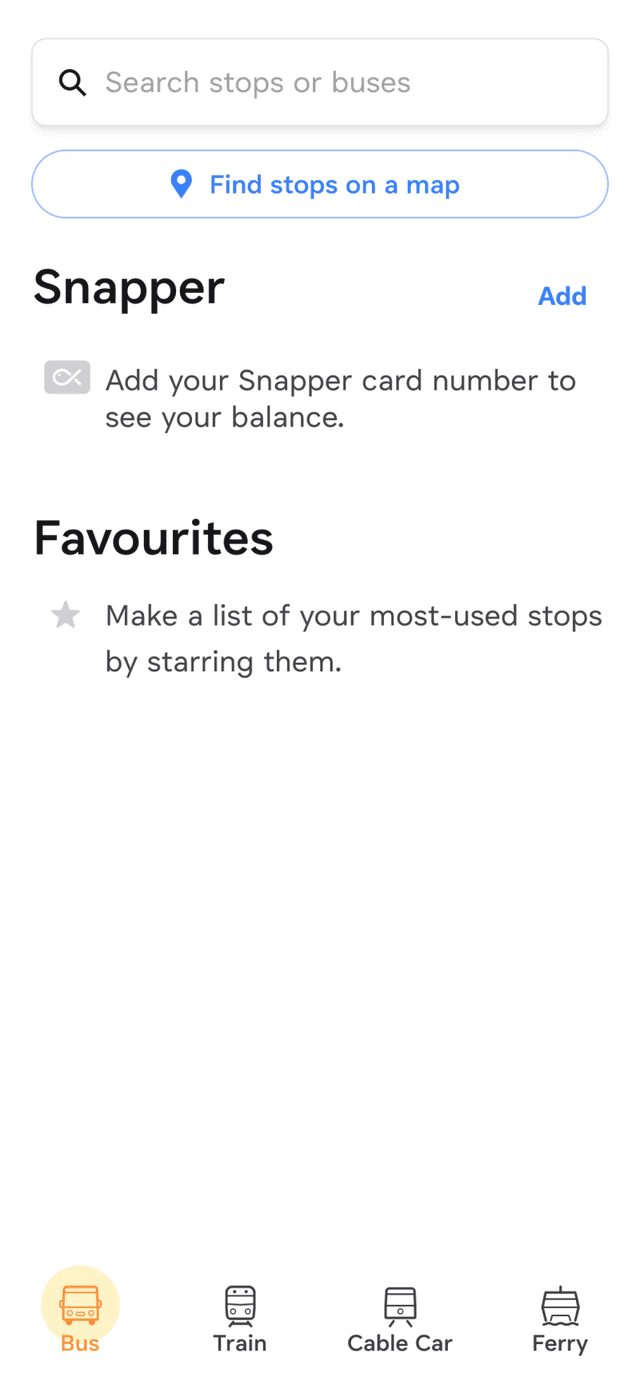
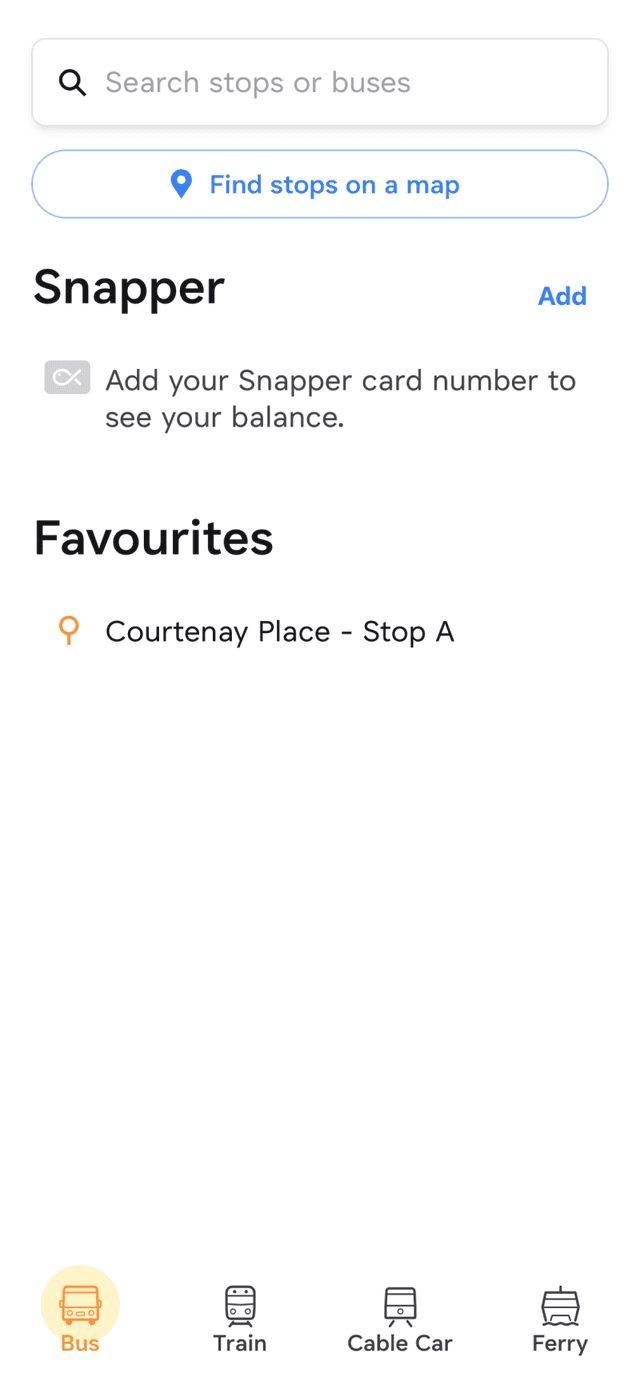
Catchy has four main sections for buses, trains, the cable car, and harbour ferries.
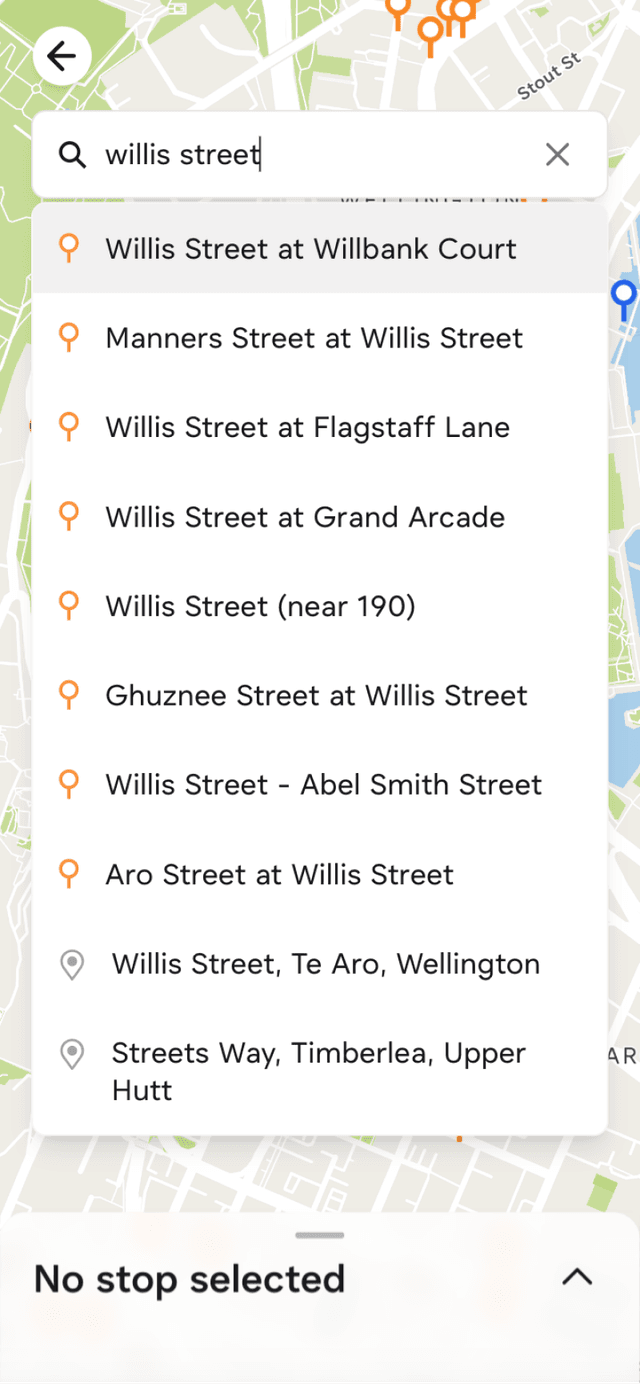
The bus and train sections have a search bar to help you find stops based on the name or stop id.
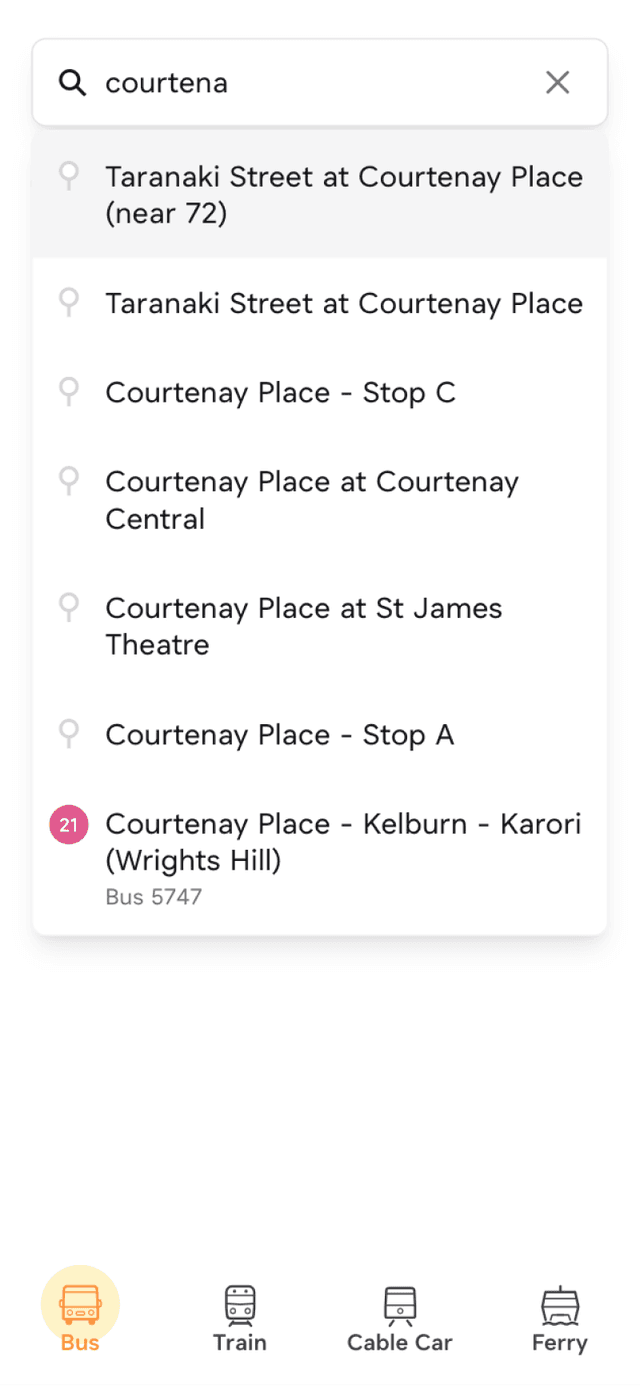
Typing in the search box will bring up a list of matching stops, and any active trips matching your search.
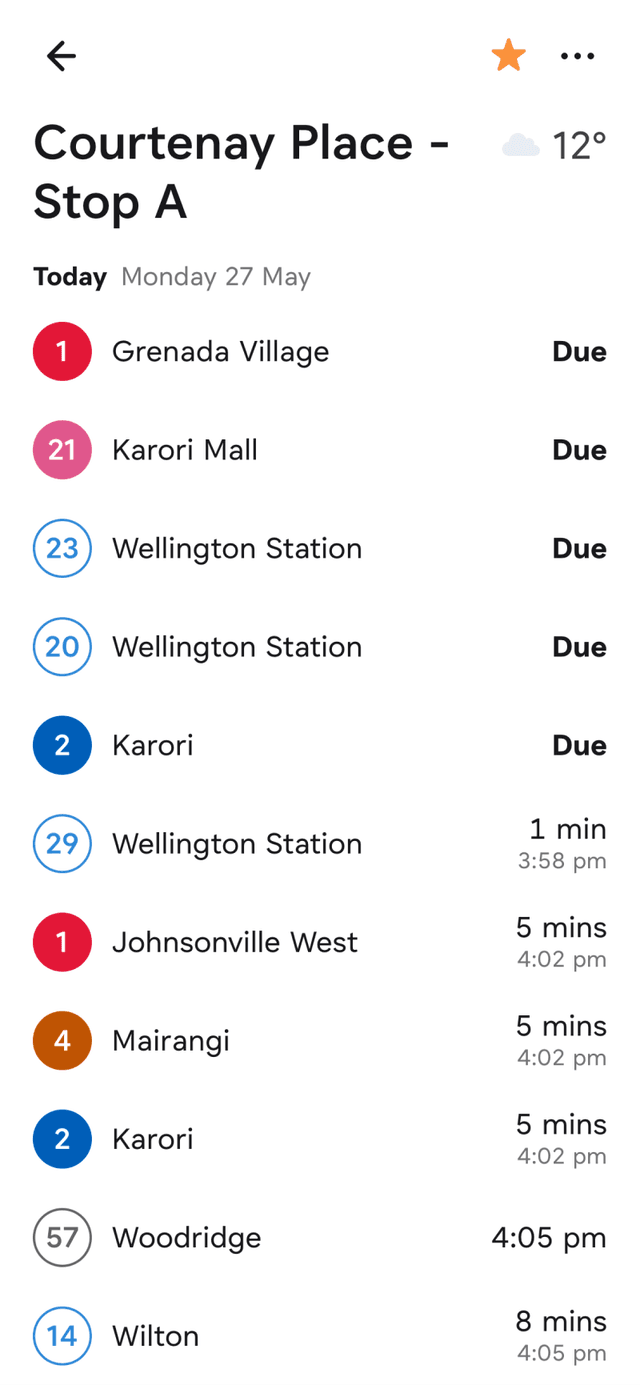
On a stop page you can see the stop’s name, local weather, and upcoming departures.
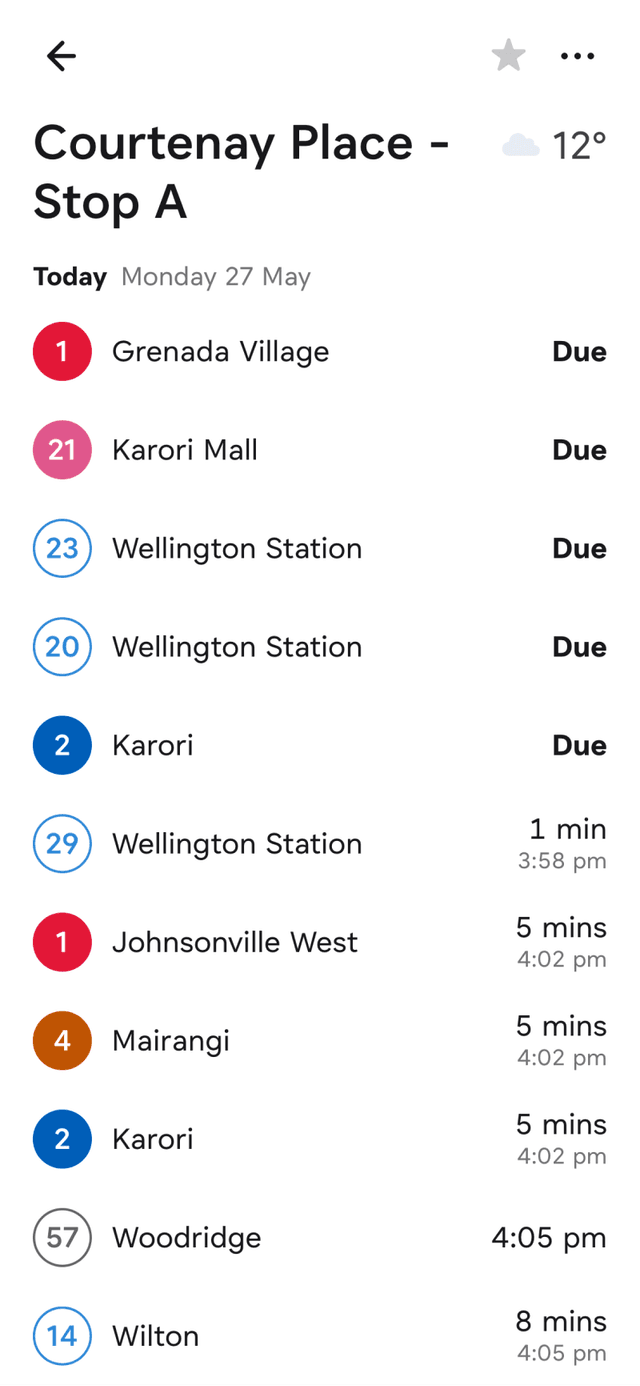
Tap on the star in the header to add or remove the stop from your favourites.
Favourited stops will appear in your favourites list on the bus or train home screens for east access next time you open Catchy.
Using the stop map
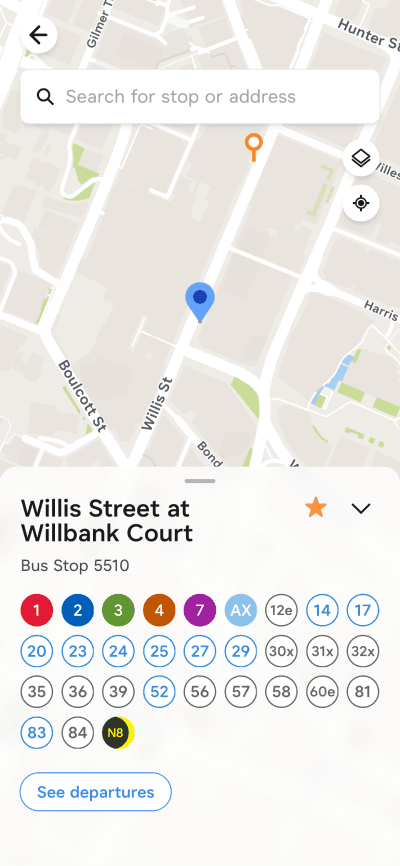
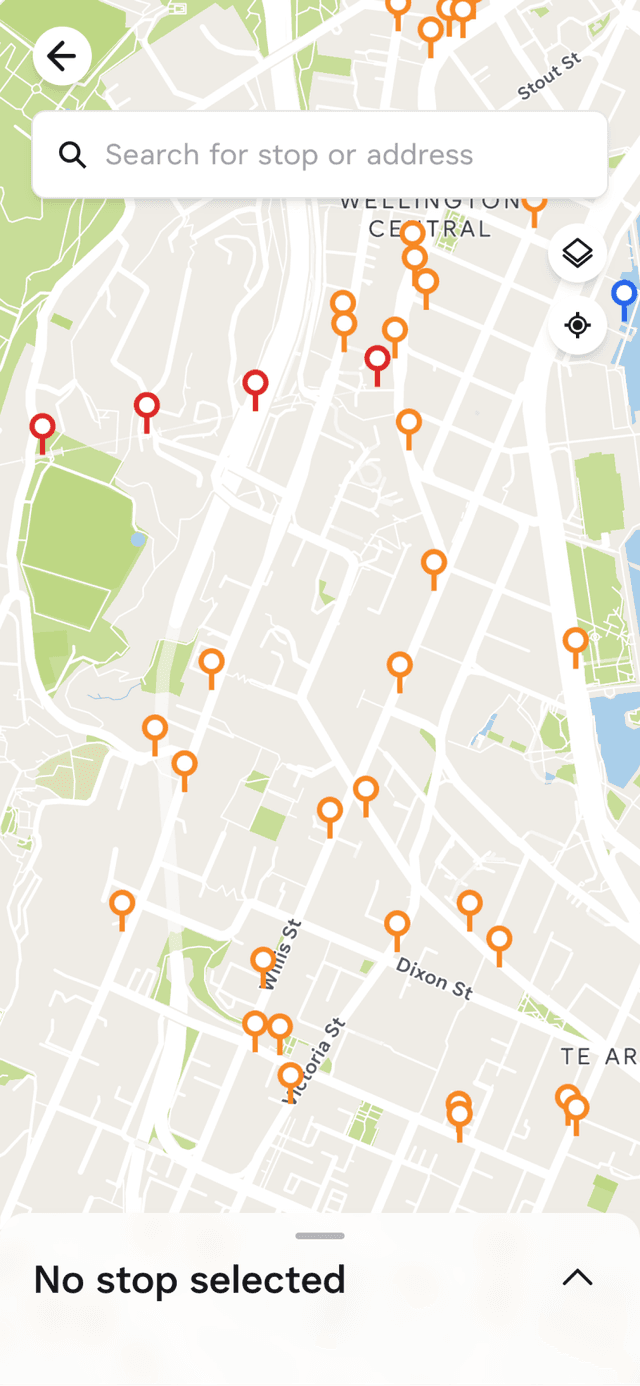
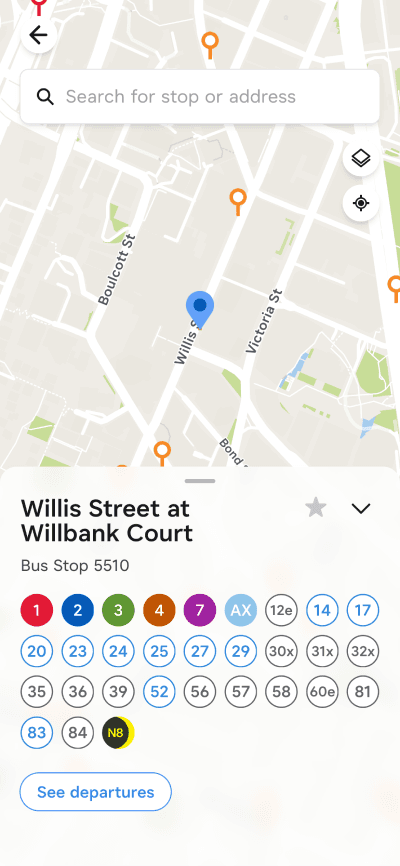
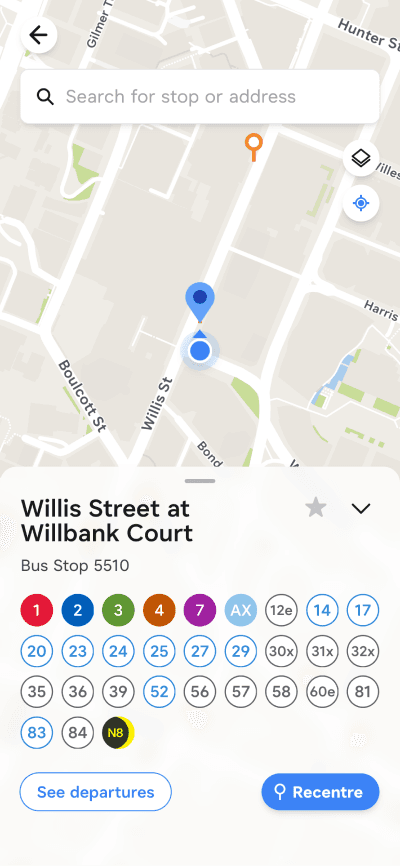
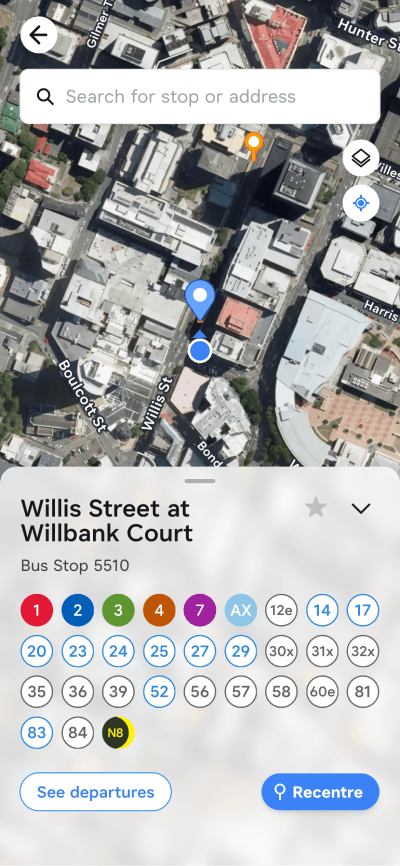
Another way to find stops is to locate them on the stop map. From the bus or Train home screen, tap on the button labelled Find stops on a map
Replace
Replace
Replace
Replace
Replace
Replace
Replace